How to topup credit for server/service (auto) renewal? Print

  • credit, topup credit, how to auto pay, balance topup, topup balance, server pre payment
  • 1

Add Funds

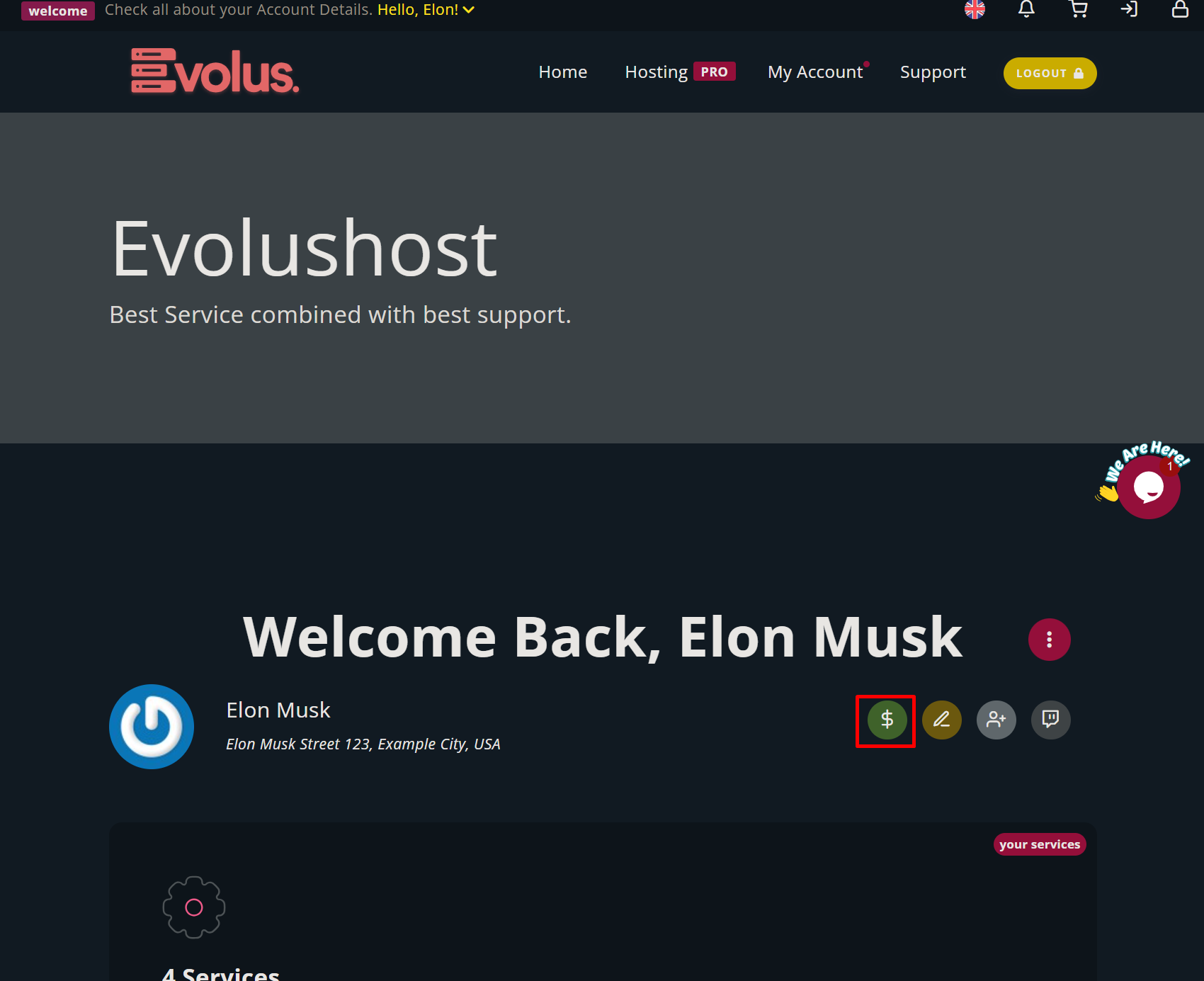
1.) Deposit money in advance to auto renew your services in your client area by clicking the green $ Icon or use this direct link https://dash.evolushost.com/clientarea.php?action=addfunds
2.) Select the ammount you want to topup and the payment method. 

 

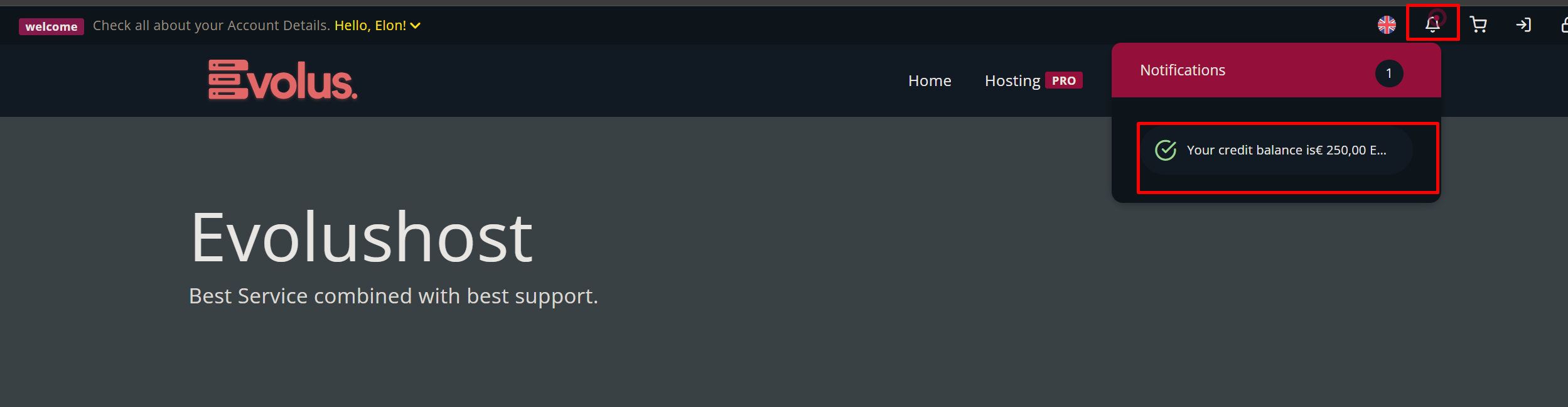
3.) After a successful payment, you will see your credit or top-up amount displayed in the upper-right corner of the notification area.


Was this answer helpful?

« Back